Styling & Data Tools
Make Raw Spreadsheet Data Look Like It Belongs on Your Site
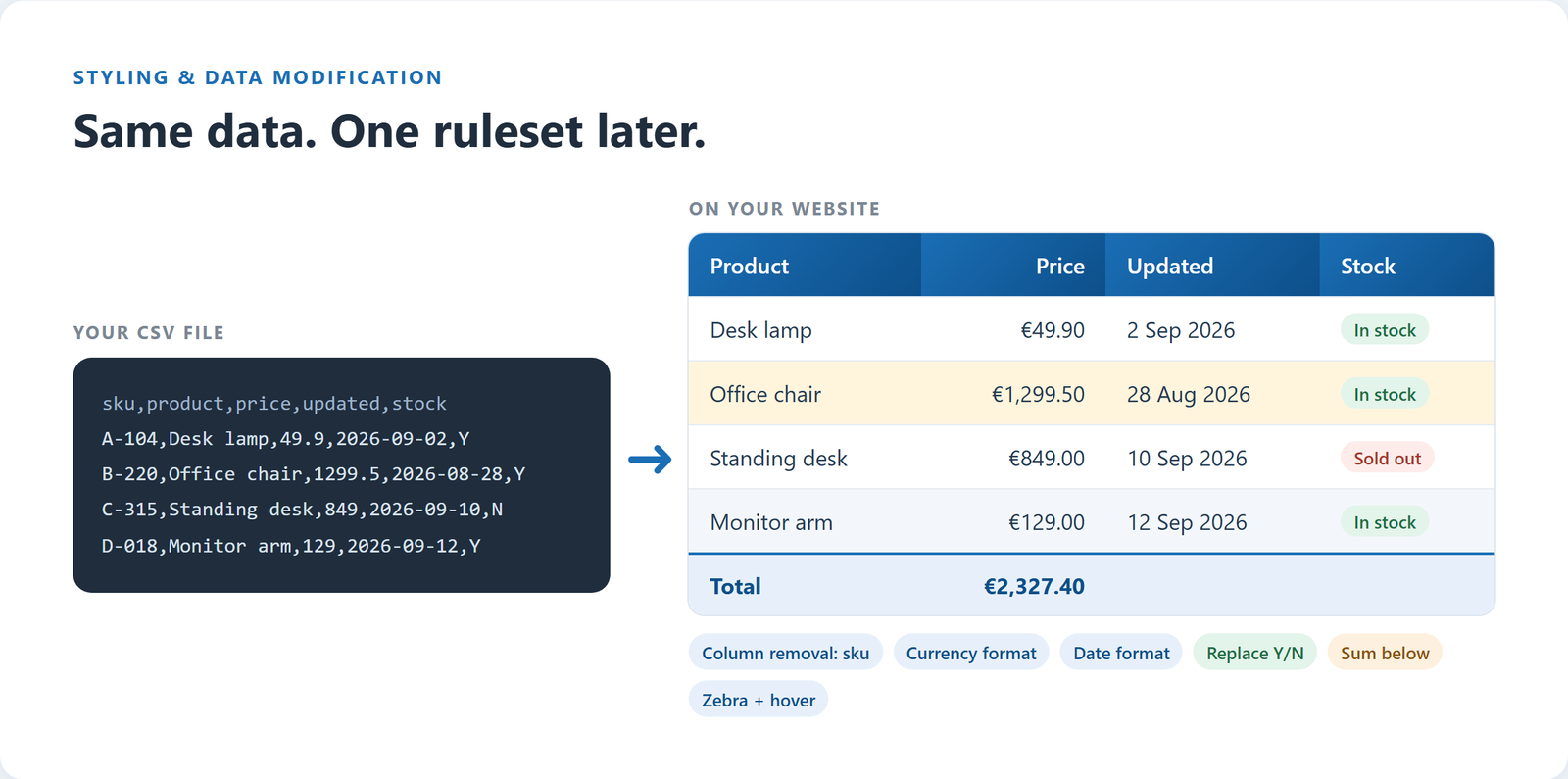
Exported data is rarely web-ready: plain numbers, ISO dates, no totals, codes nobody understands. Tabulizer styles the table to match your site and cleans up the data on the way, without touching the original file.
What's inside: table themes, borders, zebra rows, hover highlight, header and cell styles, fonts and colors, column widths, number/currency/date formatting, find and replace (regex), sum/average/median/min/max, add or remove rows and columns, custom PHP functions, custom HTML/CSS/JS.
Style Without Writing CSS
Themes
Start from a ready theme, a jQuery UI ThemeRoller theme, or the high-contrast theme for accessibility, then adjust it.
Borders
No borders, inside, outside, full, rows only or columns only, in solid, dotted, dashed or double lines, with any color and corner radius.
Zebra Rows and Hover
Stripe by rows or columns, and highlight the row or the cell under the mouse, so wide tables are easy to follow.
Headers and Cells
Font, size, alignment, padding, text and background colors (solid or gradient), text shadow and borders, set separately for headers, cells and zebra rows.
Widths and Custom Styles
Set the table and column widths in pixels or percent, and style one row, column or cell differently from the rest.
Add Your Own HTML, CSS or JS
Prepend or append HTML, CSS and JavaScript to the table for the last touches your design needs.
Fix the Data, Not Just the Look
These rules run every time the table is shown, so they keep working when the source file is replaced.
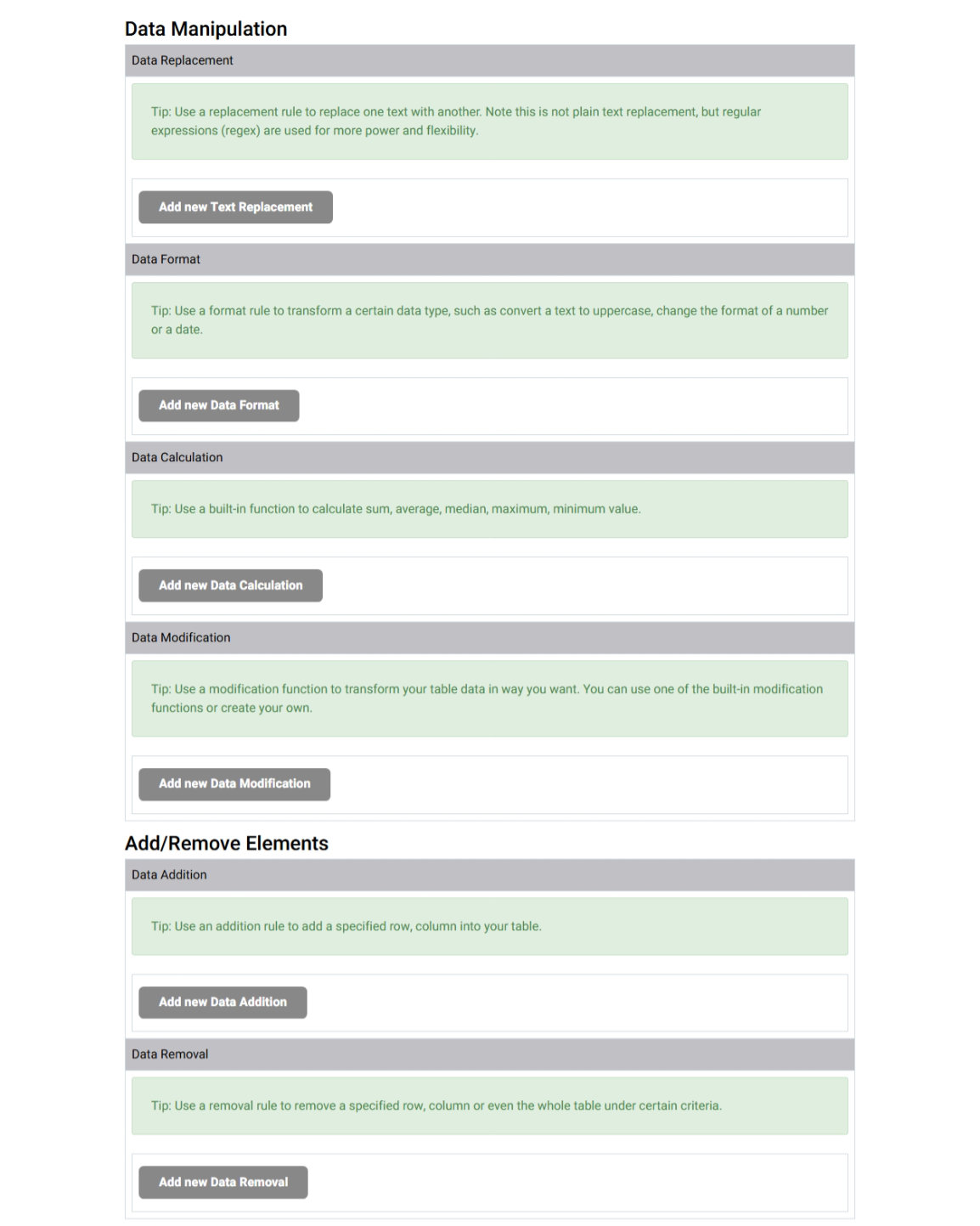
Data Format
Show 1299.5 as €1,299.50. Choose decimals, decimal point, thousands separator and currency symbol, and reformat dates.
Data Replacement
Find and replace text with regular expressions: turn "Y" into "In stock", add links, or clean up codes.
Data Calculation
Add a total, average, median, minimum or maximum above, below, left or right of a row, column or range.
Add and Remove Rows and Columns
Drop internal columns from an export, or insert a row or column the source does not have.
Data Modification Functions
Pick a built-in function, or write your own in PHP from a skeleton the wizard creates for you.
How It Works
- Open the Table Wizard and paste a sample of your data.
- Pick a theme, set borders, colors and fonts, then add format, replacement and calculation rules. The preview shows the result.
- Save it as a ruleset and use it on as many tables as you like. Change the ruleset once and every table using it follows.
Questions
Does the formatting change my file?
No. Formatting, replacements and calculations are applied when the table is displayed. Your source data stays as it is.
Can one design be reused?
Yes. A ruleset is reusable across articles, posts and data sources, so all your tables stay consistent.
Will it match my template?
Start from the transparent theme, which inherits your site's fonts and colors, and change only what you need.
Design Your Table in Minutes
The Table Wizard, with every styling and data tool on this page, is included in every membership.