Responsive Tables
Wide Tables That Still Work on a Phone
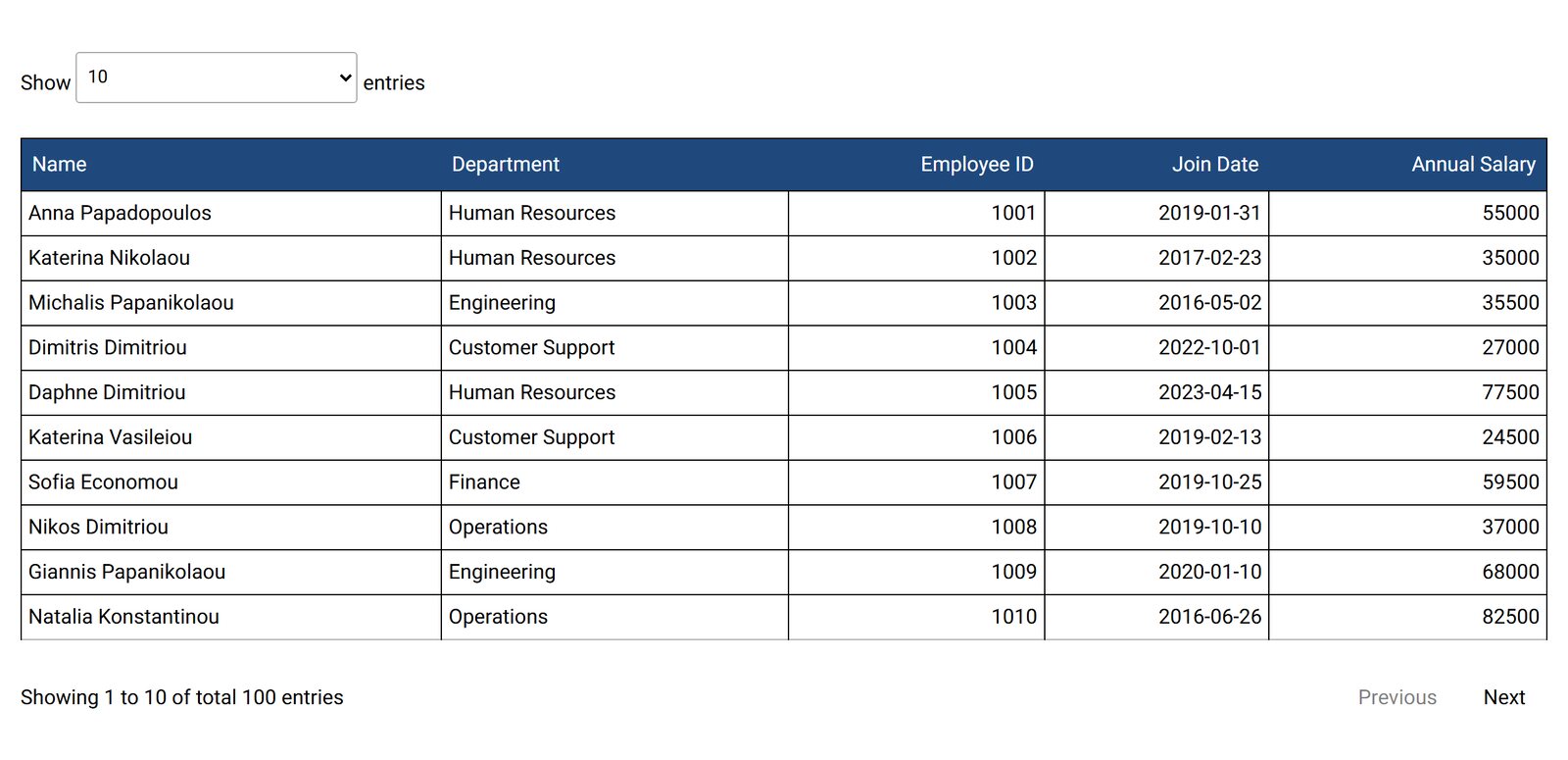
Most visitors will see your table on a phone. A 10-column table either shrinks to unreadable text or runs off the screen. Tabulizer gives you four responsive patterns, so you choose how each table adapts.
What's inside: horizontal scrollbars, fixed headers + expandable rows, fixed left header + scroll, column priority / header selection, per-column phone and tablet visibility, fixed top header on scroll.
Four Patterns, One Drop-Down
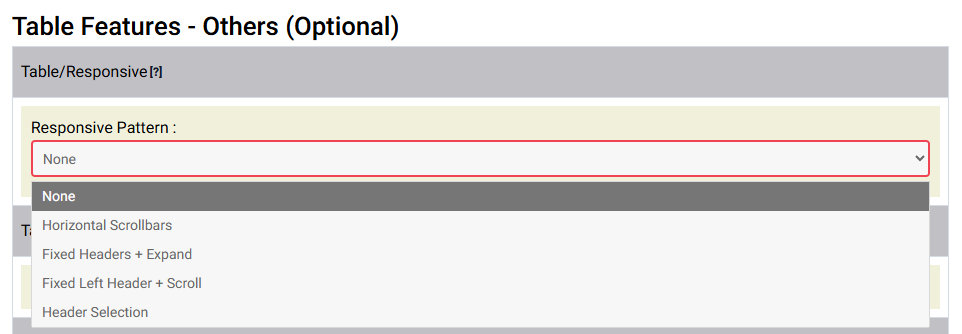
Horizontal Scrollbars
The table keeps its layout and scrolls sideways inside its own box. The simplest choice for tables that must stay a grid.
Fixed Headers + Expand
Choose per column: always shown, always hidden, shown on tablets, shown on phones, or moved into an expandable row. Visitors tap a row to see the rest.
Fixed Left Header + Scroll
The first column (a name or product) stays put while the other columns scroll, so visitors never lose track of the row.
Header Selection
Mark columns as persistent, essential, optional or invisible. Less important columns drop out first, and visitors can choose which columns to show.
Headers That Stay in View
For long tables, add horizontal and vertical scrolling with a fixed top header, or a fixed top and bottom header, so column names stay visible while visitors scroll down.
Which Pattern Should I Pick?
- Price lists and specs: Fixed Left Header + Scroll, so the product name stays visible.
- Directories and records: Fixed Headers + Expand, with key columns on screen and details one tap away.
- Data tables for comparison: Header Selection, so visitors pick the columns they care about.
- Timetables and grids: Horizontal Scrollbars, keeping the layout intact.
Questions
Do sorting and filters still work?
Yes. Responsive patterns work together with sorting, search, filters and pagination.
Do I have to design a separate mobile table?
No. It is one table and one ruleset. The pattern decides how that table adapts to the screen it is shown on.
Can I use a different pattern per table?
Yes. The pattern belongs to the ruleset, so each table can use its own.
Open the Demo on Your Phone
See each pattern on a real device, then pick one for your tables.